Categories
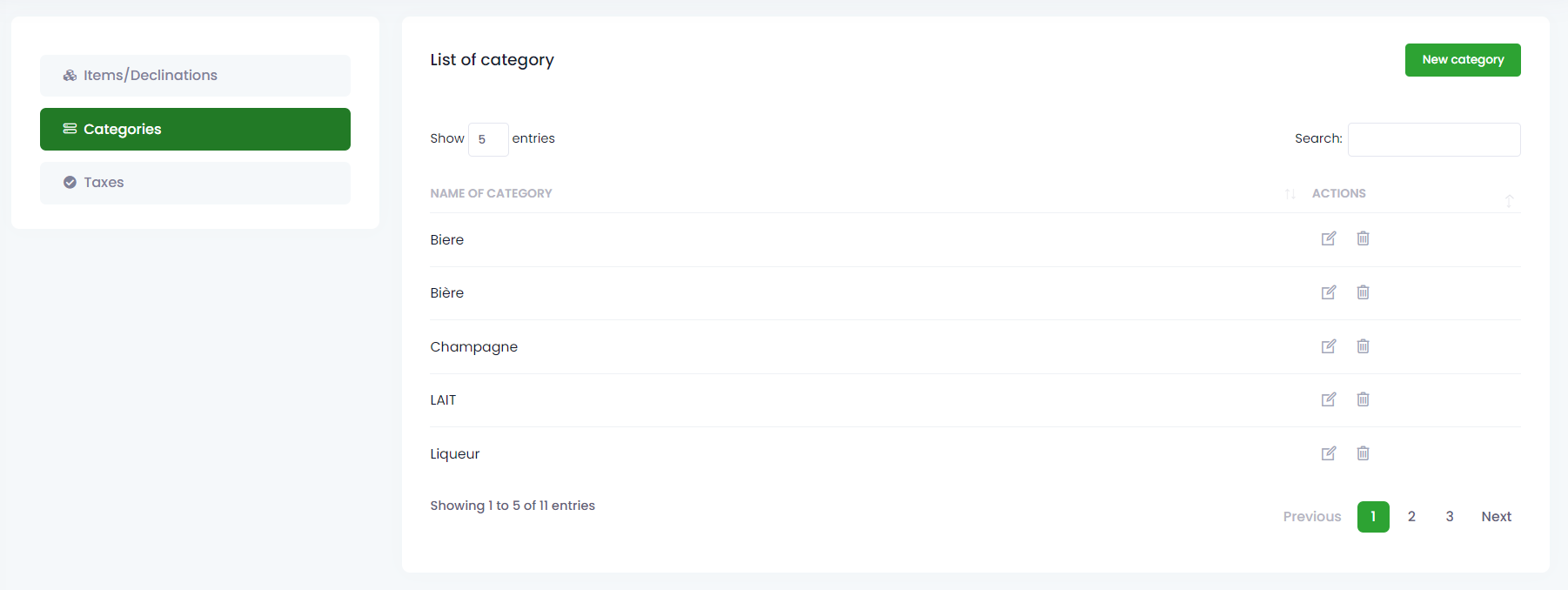
The categories page shows all the categories of items saved in the application and allows you to create others by clicking on the “New Categories” button. The action button in the list gives you the possibility to modify or delete.
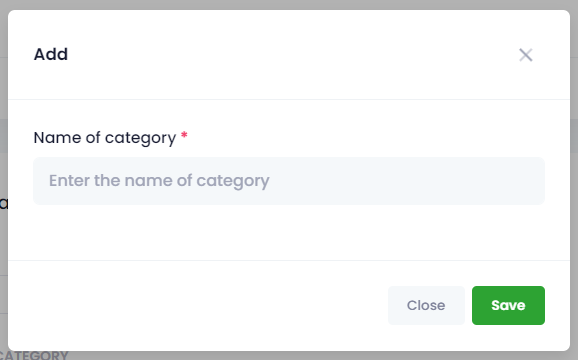
You can add category by clicking on the “New category” button, which shows you a modal with field to fill. After filling required information click “Save” to validate or “Close“ if you do not wish to validate.