Login
The login page presents you with a form field that you must fill in to gain access to k’Shop Mini application. To do this you have to fill the Phone field and the Password field.
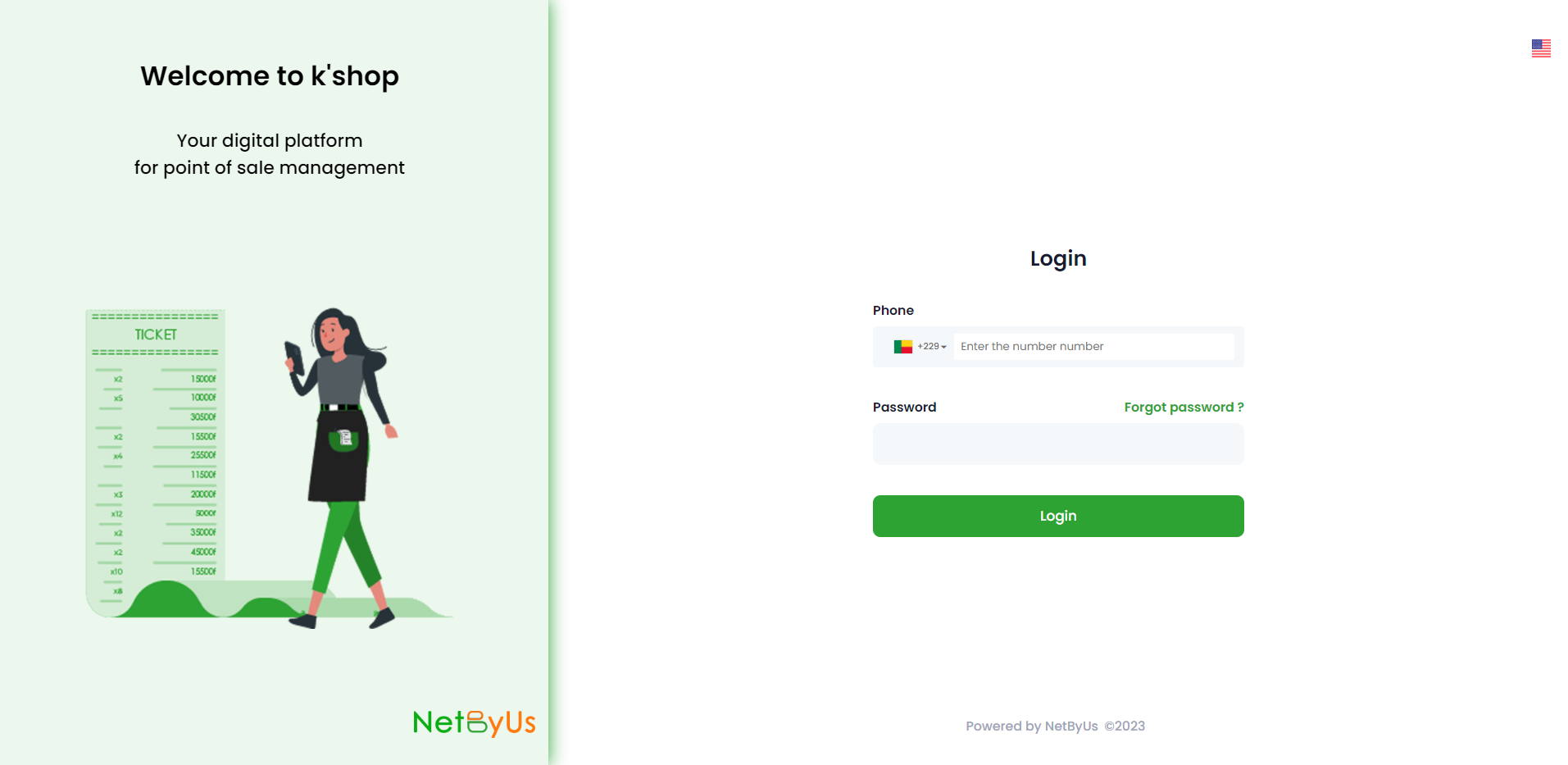
After this step you will have access to our platform which will display a menu as follows:
- Dashboard
- My account
- Sales
- Settings
- Documentation
Which will be detailed with more explanation below
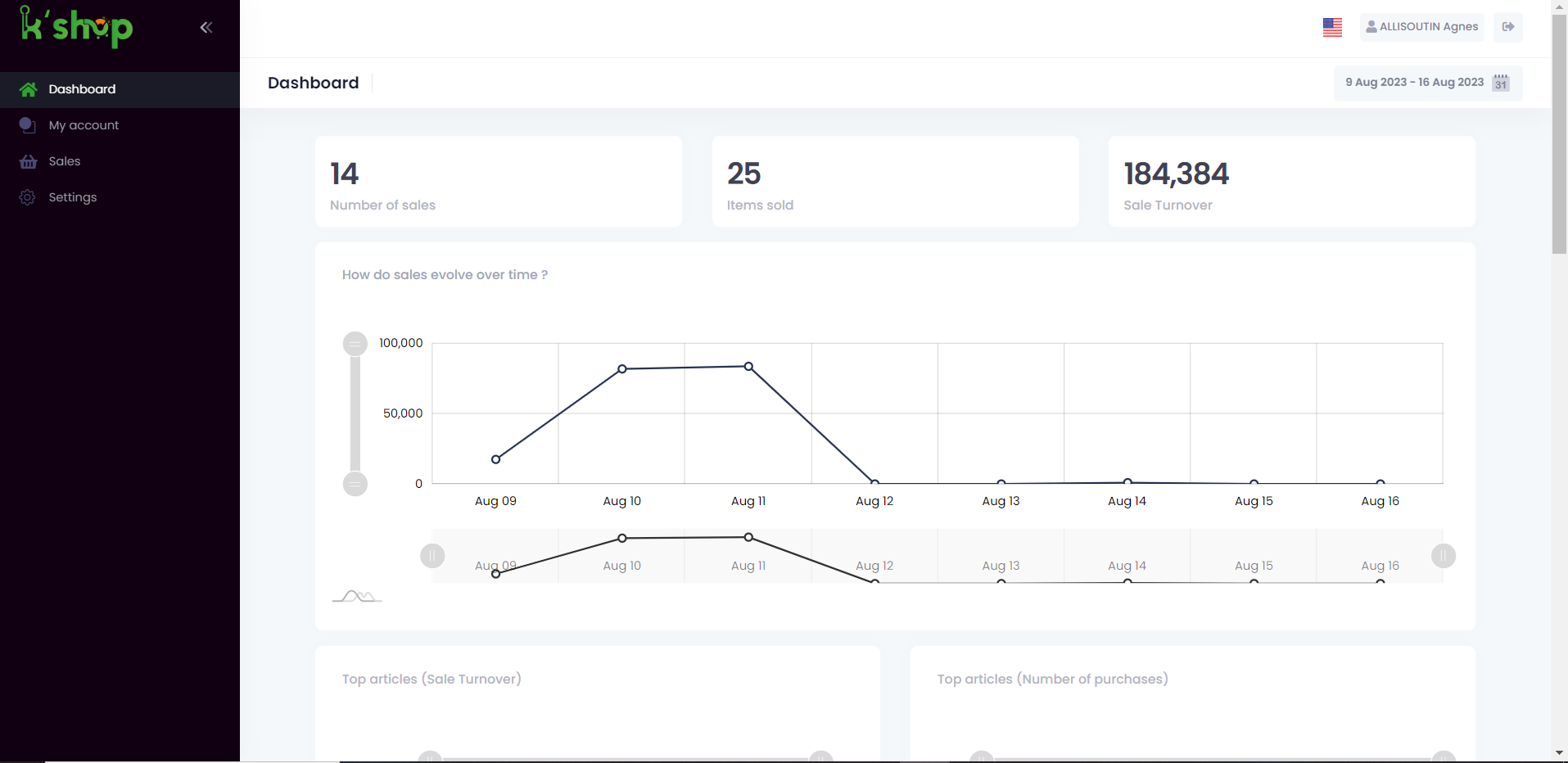
All pages have a header which is present on each of the different modules and which is as follows:

1- The first is the flag that will allow you choose your preferred language
2- This is a button that redirects you directly to your profile
3- The logout button that allows you to log out of the application