Users
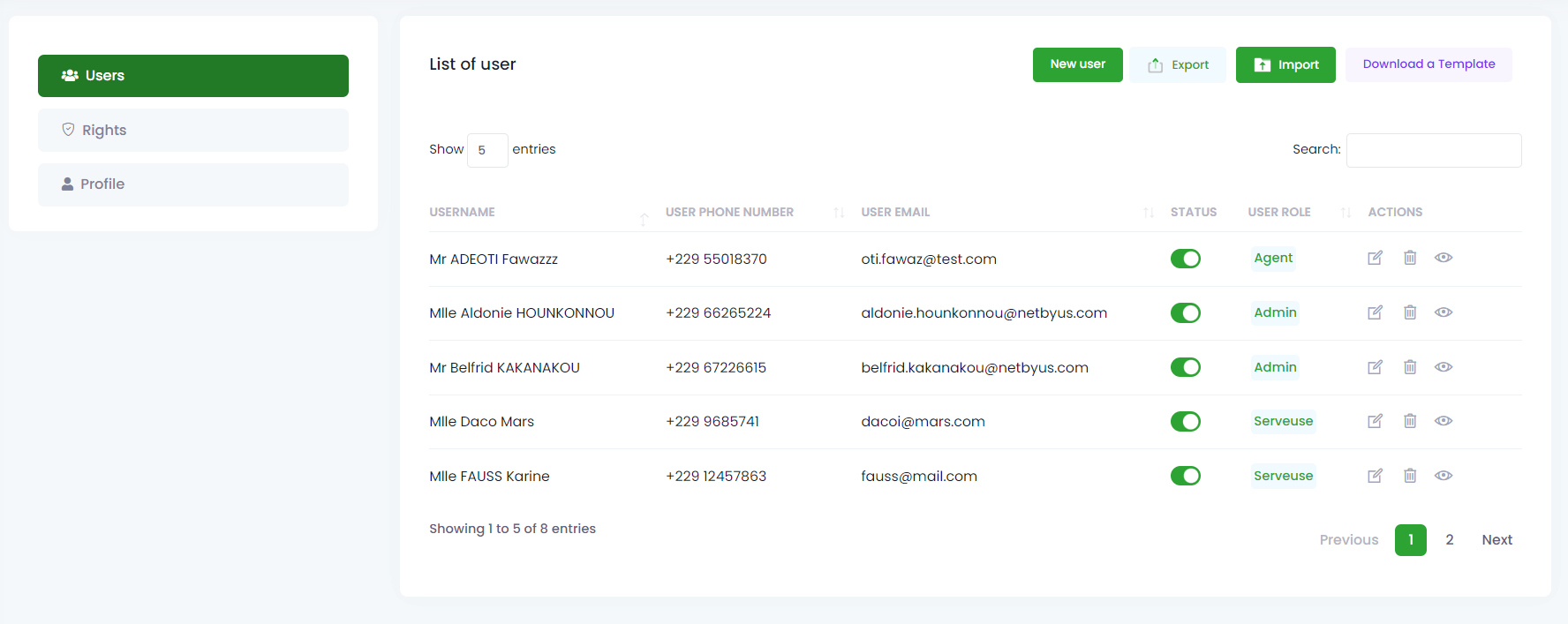
The users section lists all registered users in the application with their information (name, email, phone and user role). We have the ability to modify, delete and view details of authorization of a user.
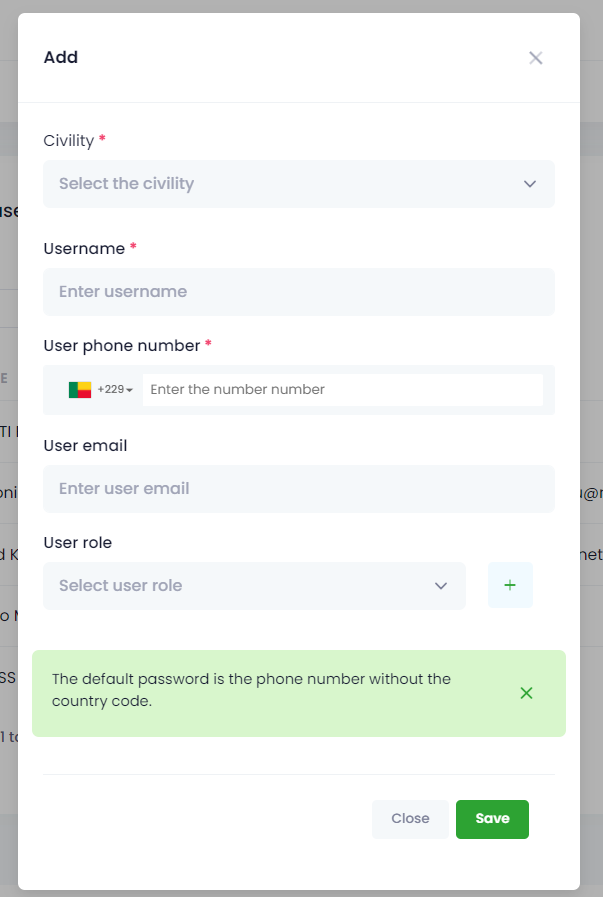
In this section, we have the option to add new users by clicking on the New User button that displays a form to fill in including the fields (Civility, Name and phone) are mandatory and allow us to directly define the user’s role.
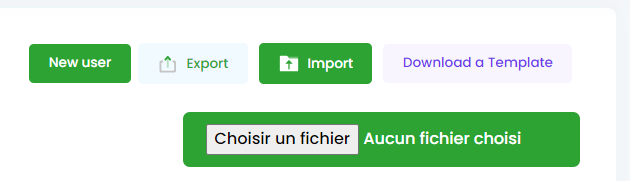
We also have the button to import and export the list of users.